
Purpose
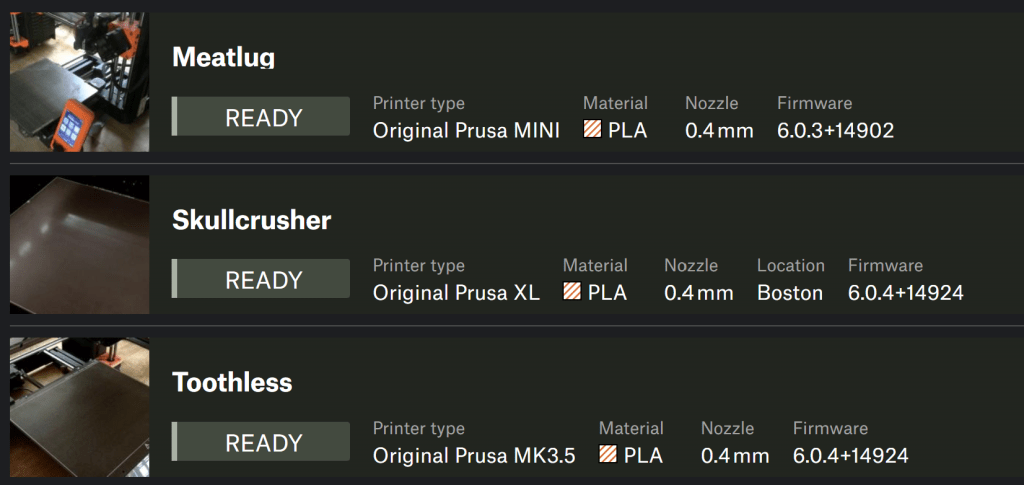
In my apartment, there are three 3D printers split between us, a Prusa MK3.5, a Prusa Mini, and a Prusa XL. So, when Prusa Connect was released, we were very excited to test it out as we had been running Octoprint and Octofarm previously. They work quite well, and had a lot of features we loved but we were very interested to see how Prusa executed their own 3D printer remote monitoring software.
Our favorite feature of Octoprint, was the ability to us a USB webcam to monitor the 3d printers while we were away. Unfortunately, Prusa Connect doesn’t directly support USB webcams seeing as it runs on Prusas own servers. They do, however, have an API that you can upload images to Prusa Connect.
So, after a bit of research to see if anyone else had done this before, I set about making it myself.
Results
The program I developed, allows multiple instances of the same program to run on the same computer, differentiating the webcams using their serial number, so that in case of a power outage, or other restart, the uploaded images are always of the correct printer.
Although initially developed only for Ubuntu, I created a branch that adds windows compatibility that is currently waiting in a pull request for some testing to complete so I can make sure its reliable.

 Ben Veghte